Bring Your Retail Store Layout Ideas to Life
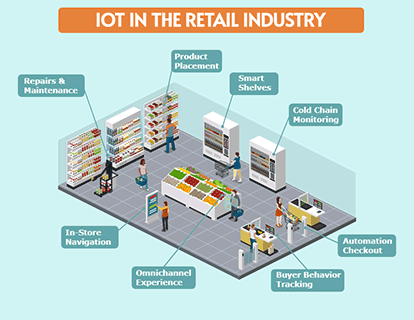
A retail store layout helps you communicate how different parts of a shop work together. Whether you are opening a boutique, updating an existing store, or preparing a retail concept presentation, a visual layout makes your ideas easier to discuss. Use Icograms Designer to illustrate merchandise zones, fixture placement, and routes through your store. Explore different arrangements and share your vision with colleagues, clients, or project partners.
Plan Shelving and Product Displays
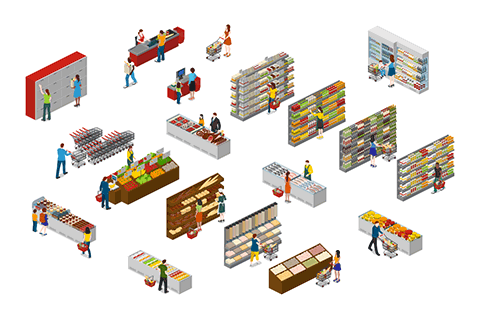
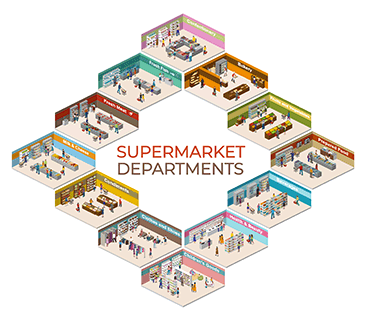
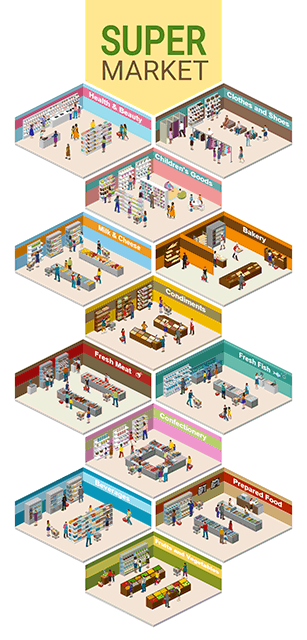
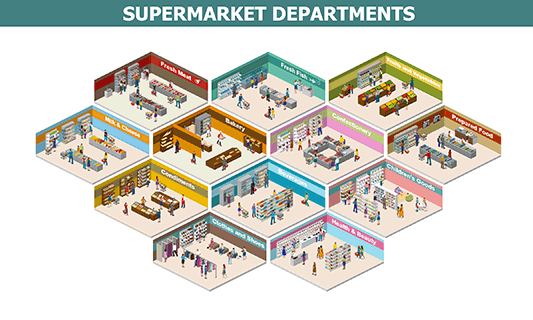
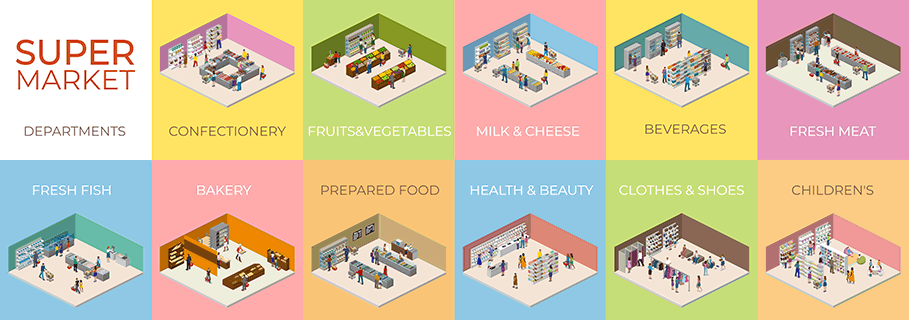
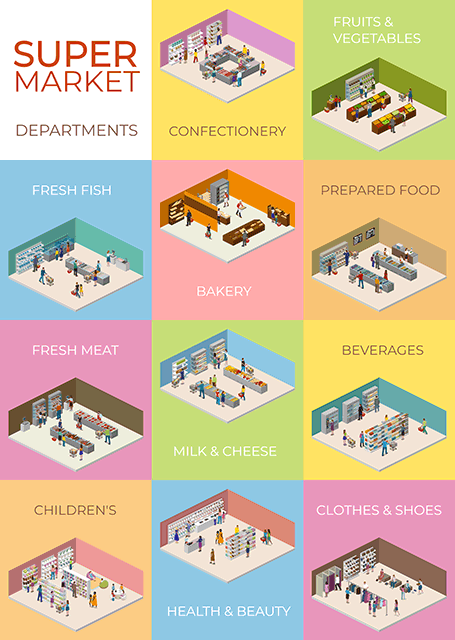
Show where shelving units, display stands, and promotional areas will sit within your retail space. Group products into departments or collections and illustrate how each section connects to the next.
Use your layout to discuss display locations, highlight featured merchandise, and compare alternative arrangements before making changes in the store.
Visualize Customer Flow
Illustrate how shoppers can move from the entrance to product displays, service areas, and checkout counters. Make aisles and key destinations easy to identify so your team can review the proposed shopping journey.
Create layout variations to explore different routes and identify areas that may need more space or clearer navigation.
Show Checkout and Service Areas
Include checkout counters, information points, fitting rooms, and other relevant customer facilities. Add labels to explain each area and help viewers understand the store at a glance.
Present Your Store Concept
Turn your retail layout into a visual for proposals, team discussions, and project presentations. Customize colors and text to reflect your concept, and add your own graphics where needed.