Medical and Healthcare Illustrations
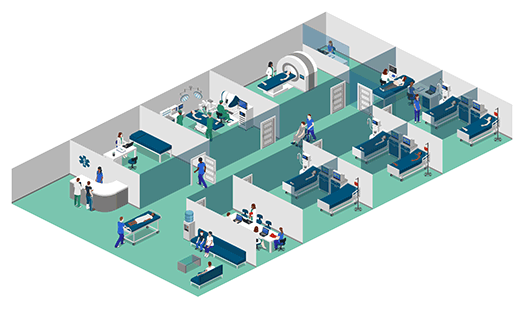
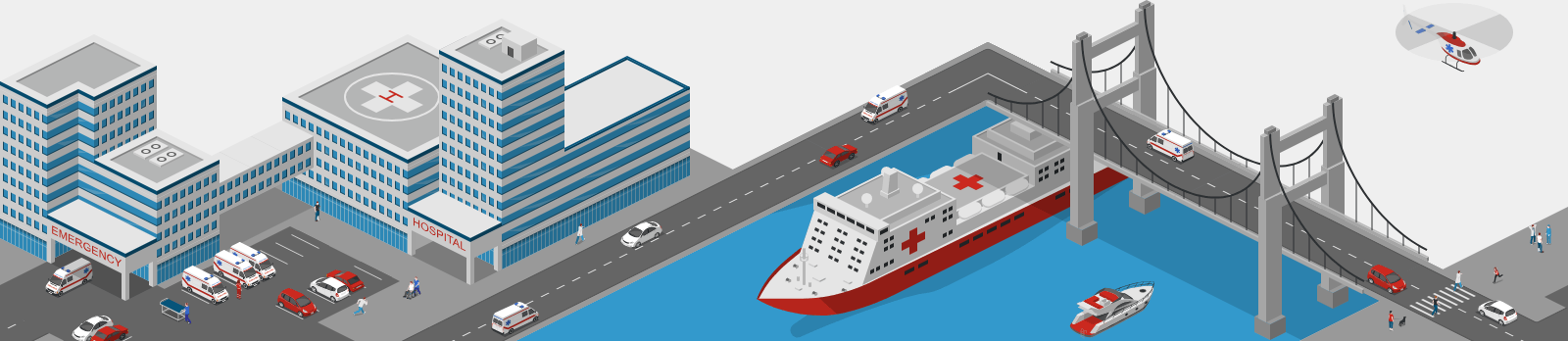
Create isometric medical illustrations featuring consultations, diagnostic equipment, patient care, emergency services, and laboratory work. Build a scene around a specific service or combine several scenes to introduce a hospital, clinic, or medical center. Use these visuals to present medical services on a website, illustrate a brochure, support a training session, or explain the role of equipment and staff.Healthcare Infographics
Combine illustrations, headings, labels, and your own information to create a healthcare infographic. Show how a healthcare system is organized, introduce medical services, compare types of medical devices, or explain the stages of a pharmaceutical supply chain. Isometric graphics give your audience a recognizable setting, while text and visual connections help communicate the main points.Healthcare Process Diagrams and Patient Journeys
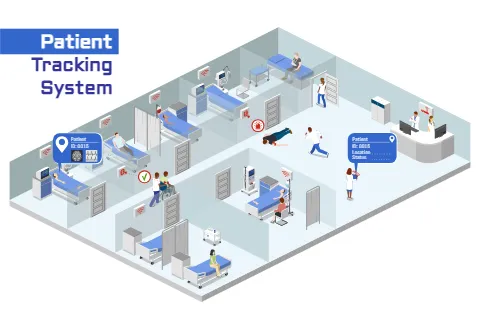
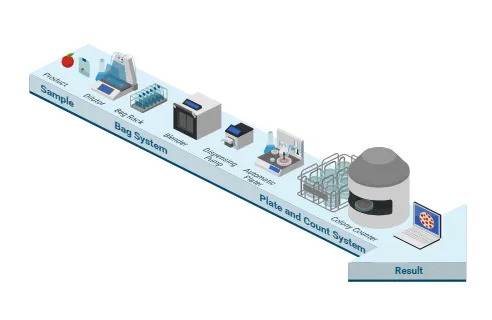
Make a healthcare process easier to follow with connected scenes, arrows, and numbered steps. Create a process diagram showing a patient journey from registration and consultation to diagnostics, treatment, and follow-up. You can also visualize a laboratory workflow from sample collection to results, illustrate patient tracking, or explain how hospital bed management works. Arrange each stage in sequence and add labels to clarify actions, responsibilities, and handoffs.Healthcare Technology and System Visualization
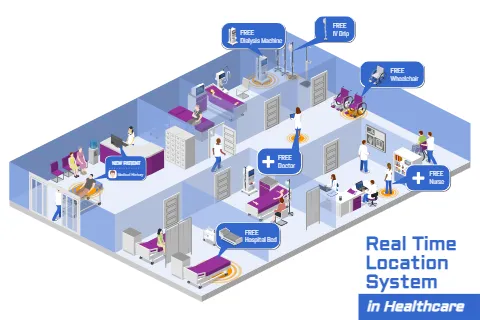
Explain how medical technology connects people, devices, and services. Create visuals for remote health monitoring, real-time location systems, robotic surgery, and other healthcare technologies. Combine physical environments with devices and data connections to show how a system works. These visualizations can support product presentations, staff training, and communication between healthcare and technology teams.Laboratory and Pharmaceutical Illustrations
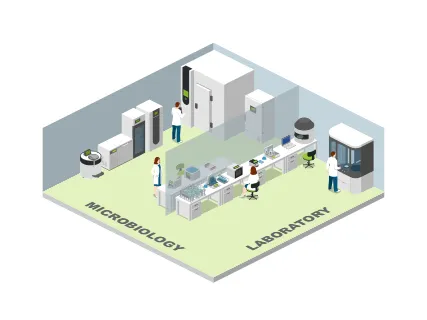
Build laboratory scenes with workstations, equipment, and staff, or create a diagram of a testing process. Illustrate pharmaceutical production, distribution, and supply chains to show how materials and products move between organizations. Use an overview to introduce the system, then add detailed scenes where a particular step needs more explanation.Customize Healthcare Visuals for Your Audience
Choose a medical or healthcare template that matches your topic, then adapt it to your project. Add or remove elements, change colors, and position icons to create a clear composition. Include your own text, symbols, and graphics to explain the details that matter.For a hospital presentation, you might combine several medical services into one overview. For a clinic website, you might create individual illustrations for consultations and diagnostics. For training, you can build a step-by-step workflow with clearly labeled stages.
Export your finished design for use in digital or printed materials.
How to Create a Healthcare Illustration or Infographic
- Choose your starting point. Open a ready-made template or start with a blank canvas.
- Build your medical scene. Add healthcare professionals, patients, rooms, buildings, and equipment.
- Explain the information. Use headings and labels; add arrows or numbered steps for a process diagram.
- Customize the design. Adjust colors, sizes, and placement, and upload your own graphics where needed.
- Export your visuals. Download your illustration or infographic for presentations, websites, training, or print.